---
title: "Custom Reviewers"
description: "Your prompts power new code review agents."
---
## Custom Reviewer Concept
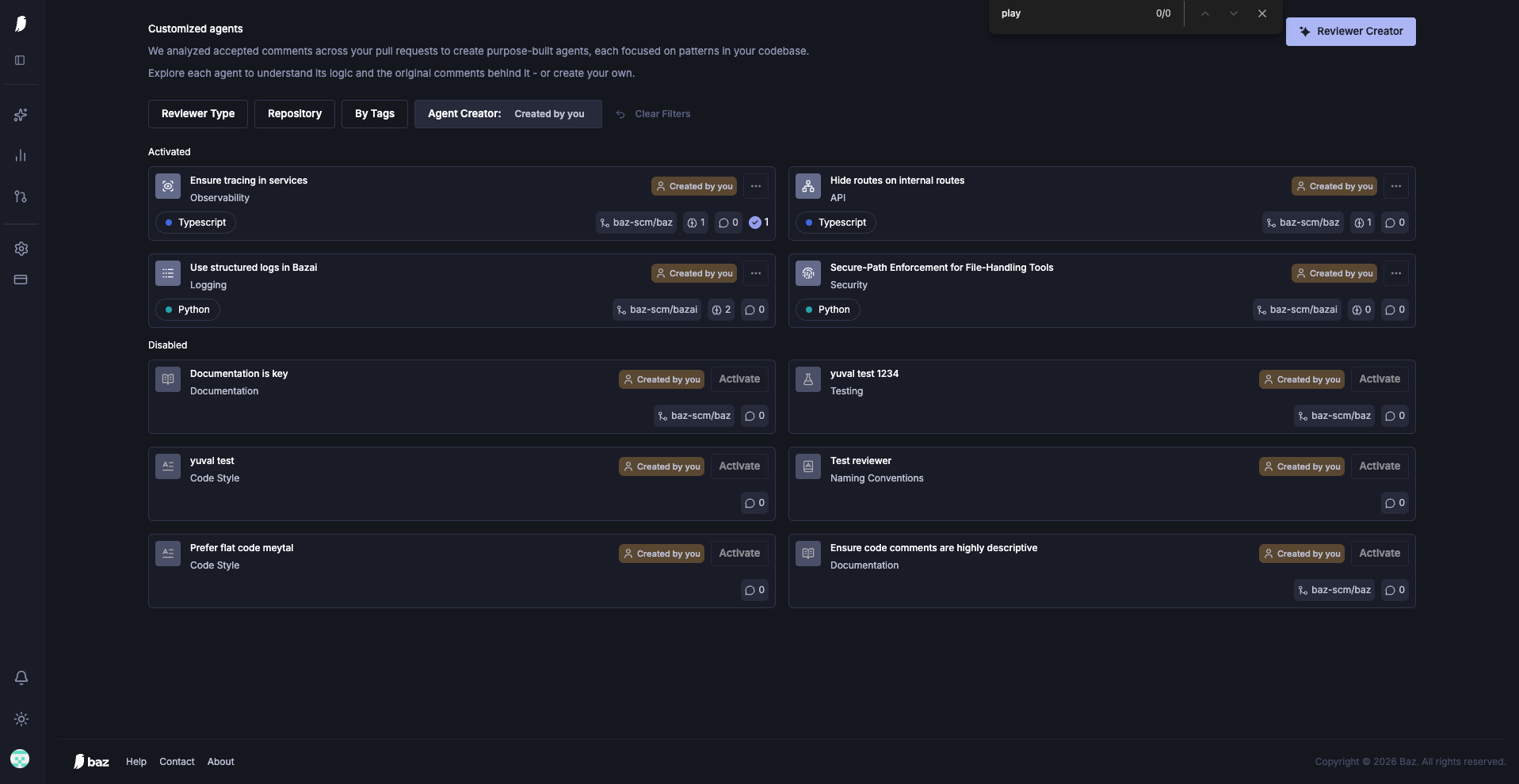
A custom reviewer is a code review agent that users configure by writing a dedicated reviewer system prompt. This reviewer functions according to the unique configurations set by the user, evolving over time with adjustments. We recommend writing domain & language specific system prompts so Baz will be sure to invoke the correct custom reviewer when your diffs include changes relevant to this review.
## Steps to Implement
1. **Write System Prompt:** Define the criteria and objectives for the review process.
2. **Configure Baz:** Set up the tool to invoke the custom reviewer based on your configurations.
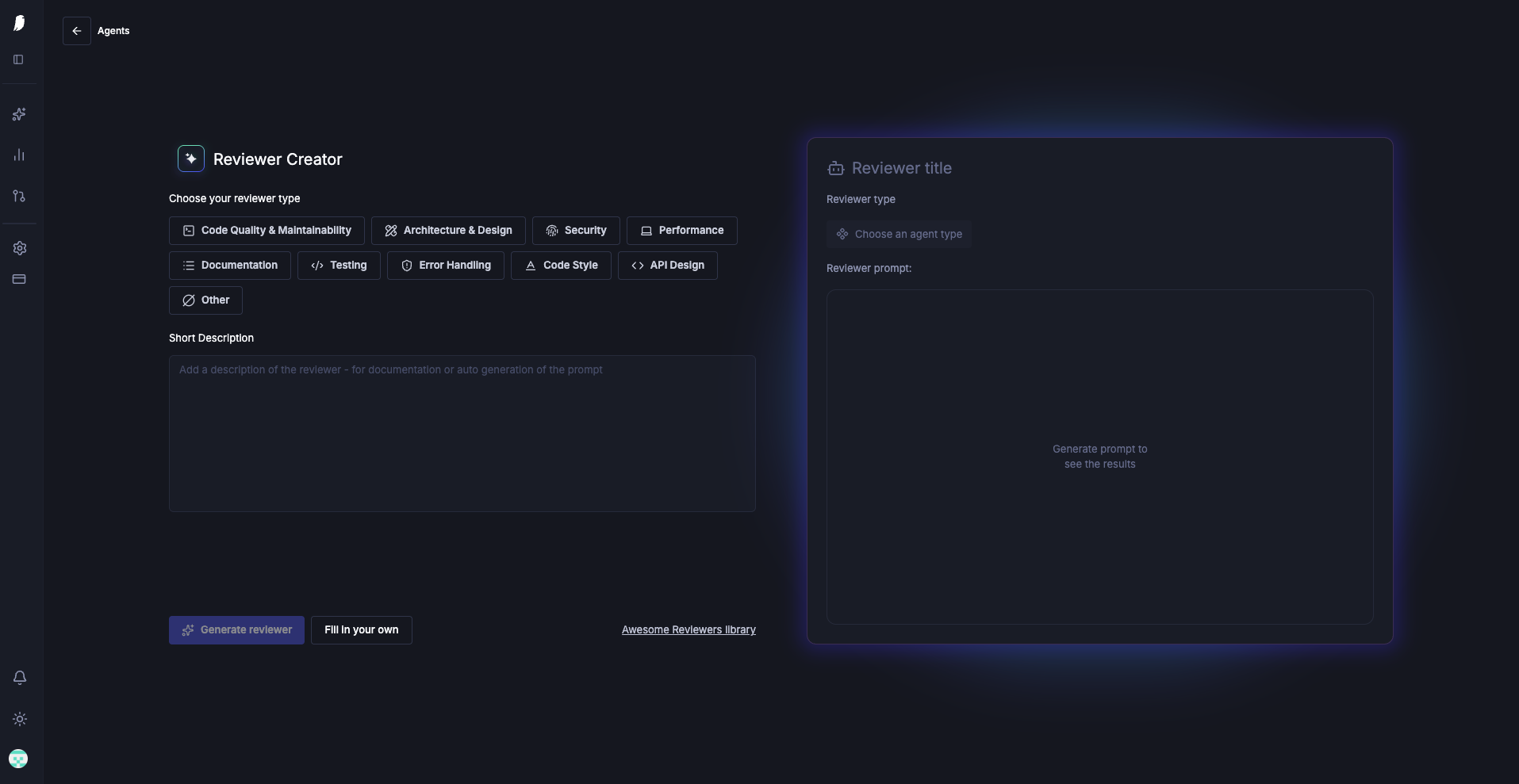
3. **Test on CRs:** Use the Reviewer Creator to test and refine the reviewer prompt on real change requests (CRs).
Write and run your own custom code reviewers
By fine-tuning the system prompt and managing configurations, users can continually enhance the effectiveness of their custom reviewer.
## FAQ
What is a custom reviewer in Baz?
A custom reviewer is a user-defined agent governed by a system prompt tailored to your domain, rules, or patterns.
How do I create a custom reviewer?
You write a system prompt defining the behavior, configure where or when it should run, and test it on change requests (e.g. via Playground) to refine it.
When will Baz invoke a custom reviewer vs default reviewers?
Baz dispatches custom reviewers when diffs match the criteria or contexts you specify. You can tune those triggers (e.g., by file path or rule).