---
title: "Notion"
description: "Connect a Notion ticket database so Baz reviews each pull request against its ticket page."
canonical: "https://baz.ai/docs/integrations/ticketing/notion"
---
# Notion
Connect a Notion ticket database so Baz reviews each pull request against its ticket page.
If your team tracks work in a Notion database, connect it to give Baz the intent behind a change. Baz finds the ticket page by its ID property and passes its content, type and files to the review agents and the Verification Agent.
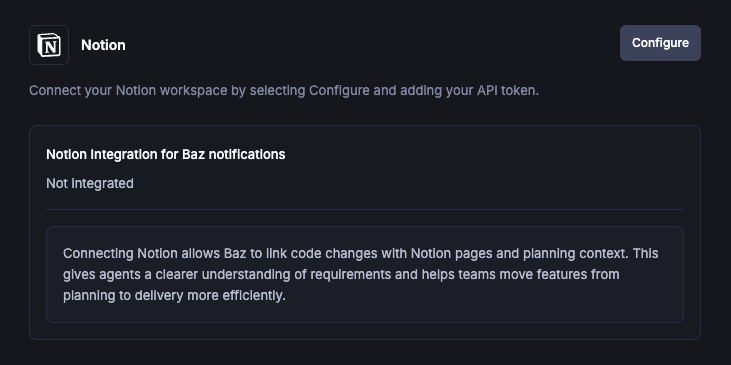
The Notion integration page
## Create a Notion integration
Open Notion's [internal integrations page](https://www.notion.so/profile/integrations/internal), select **New integration**, and choose the workspace that holds your ticket database.
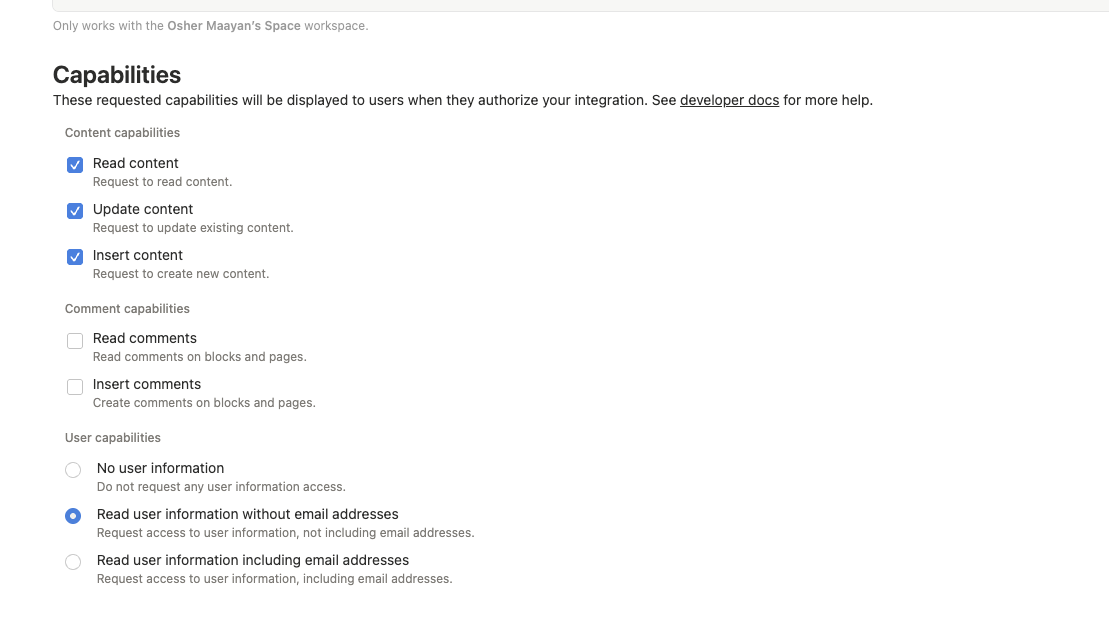
Enable **Read content**, **Read comments**, and read user information without email addresses.
Copy the **Internal Integration Secret**. This is the API token you give Baz.
In the integration's **Content access** tab, select the ticket database. You can also open the database, select **Share**, and add the integration.
Read capabilities in the Notion integration settings
## Connect Notion in Baz
Go to **Settings → Integrations**, select **Ticketing System**, then **Notion**, and select **Configure**.
Complete **Add Notion Integration** and select **Add Integration**.
Enter the **API Token** (your Internal Integration Secret), the **Database URL** of your ticket database, and the **ID Property Name** that holds the ticket ID, such as `ID`. The type and files property names are optional.
## Link a pull request to a ticket
Put the ticket ID in the pull request title or source branch in the form `ABC-123`: an uppercase prefix, a hyphen and a number. Baz looks up the page whose ID property matches.
## Related
Checks each change against the ticket's requirements.
Add specs linked from your tickets.